Catalog setup guide
WhatsApp Catalog for Business (2026): How to Set Up Products, Share Collections and Handle Chat Orders
A WhatsApp catalog turns your Business app into a browsable product shelf inside the chat. This guide covers how to add items and collections, share products with customers, when a catalog is enough versus a full website, and how WhatsApp Web teams handle the questions and orders that follow.
Quick answer
How to set up a WhatsApp catalog for business
Use the WhatsApp Business app (not the consumer app). Open the menu → Catalog → Add new item. Upload up to 10 images, enter a unique product or service name, set the country of origin, then add optional price, sale price, description, website link and SKU/code. Save and wait for WhatsApp's image/item review — customers only see approved items. Group related items into Collections, then share a single product, a collection or a catalog link inside a chat. When someone asks about stock, shipping or MOQ, answer on WhatsApp Web with clear scripts — the catalog shows products; the conversation closes the sale.
A WhatsApp catalog is free inside the Business app and is enough for many boutique exporters and small shops. It is not a full ecommerce site: payments, inventory sync and multi-agent inboxes still live elsewhere. Keep photos and prices honest, staff the replies, and treat every product inquiry as a real customer conversation — not a blast list.
Below: app catalog vs Business Platform catalog, the exact add-item flow, collections and practical limits, how sharing works, cart and order follow-up, when you still need a website, how WhatsApp Web teams handle inbound product chats, and common mistakes. Checked against the WhatsApp Help Center catalog articles on October 15, 2026.
Basics
What a WhatsApp catalog is (and the two ways to run one)
A catalog is a list of products or services your customers can browse from your WhatsApp Business profile and from chats. Each item can include photos, a name, price, description and a link. Customers tap an item, ask questions in the same thread, and — depending on your setup — add items to a cart or place an order through chat.
There are two different stacks people mean when they search for a WhatsApp catalog:
- WhatsApp Business app catalog — built inside the free Business app. Best for SMBs, cross-border sellers and support desks that already live in WhatsApp. No Meta Commerce Manager required to start.
- WhatsApp Business Platform (API) catalog — a Meta Commerce Manager catalog connected to a Cloud API / BSP number. Needed when you want automated product-list messages, multi-agent inboxes and CRM webhooks at scale. See Business app vs Platform vs web extension and the API alternative guide if you are deciding which path to take.
This article focuses on the Business app catalog most exporters and small teams actually open first. Platform catalogs share the same product idea but different setup, messaging templates and pricing.
Setup
Add products to your WhatsApp Business catalog
WhatsApp documents the Business app flow roughly as follows (menus can move between Android, iOS and desktop):
- Open the WhatsApp Business app and go to Catalog (often under the three-dot menu or Business tools).
- Tap Add new item.
- Upload up to 10 images per item. Use clear photos on a clean background; every image goes through review against WhatsApp's Business Messaging Policy.
- Enter a unique product or service name.
- Set country of origin (required when adding or editing an item).
- Optionally add price, sale price, description, website link and a product/service code (SKU).
- Save. Items appear to customers only after approval. Pending or rejected items stay hidden from buyers; rejected items show a warning you can appeal.
Practical tips for cross-border sellers:
- Put shipping region and MOQ in the description ("Ships to UAE / SG — MOQ 20 pcs") so fewer first messages ask the same thing.
- Use the website link field for the matching product page when you have one — catalog for chat discovery, site for deep specs.
- Keep currency and units consistent across the catalog; mixed "USD / RMB / pcs / cartons" without labels creates refund fights.
- Hide out-of-stock items instead of deleting them if you restock often — WhatsApp lets you hide/unhide without rebuilding the listing.
Source: WhatsApp Help Center How to create and maintain a catalog.
Organisation
Collections, item limits and what customers see
Collections group related products (for example "Summer dresses", "Wholesale sample kit", "Spare parts"). Create collections from the catalog manager, add approved items, and share a whole collection in one tap when a customer asks for a category rather than a single SKU.
Capacity depends on which stack you use. For the Business app, Meta's business resources commonly cite on the order of hundreds of items (often described around a 500-item class of limit) with multiple media per item — treat the in-app counter as authoritative because limits can change. Platform / Commerce Manager catalogs scale higher and sync from feeds. Collections and items are reviewed; WhatsApp says collection review is typically within about a day, but do not promise a customer a hard SLA.
| Building block | What it is for | Share as |
|---|---|---|
| Item | One product or service with photos and price | Single product card in chat |
| Collection | A curated shelf (category, season, kit) | Collection share in chat |
| Full catalog | Everything approved and visible | Catalog link / profile catalog entry |
After the tap
Cart, order details and the chat that follows
Depending on your market and app version, customers may add items to a cart and send you an order summary inside WhatsApp. You can reply with order details, payment instructions and shipping updates in the same thread. That is powerful for SMBs — and it means every catalog view can become a support ticket.
A practical order checklist for small teams:
- Confirm the SKU, size/colour and quantity before quoting a final price.
- State currency, Incoterms or shipping method in one message so there is a written record.
- Send payment details once, then follow up with a short reminder rather than five identical nudges — use follow-up templates.
- Keep an away/welcome script for after-hours catalog browsers — welcome and away examples.
- Respect limits and pacing if you later message the same buyers about restocks — message limits and bulk delay.
Catalog interest is not marketing consent for unrelated promos. If you export contacts or reuse numbers for campaigns, apply your privacy rules — see the GDPR checklist and contact export guide.
Strategy
WhatsApp catalog vs website: when you need both
Use a catalog when customers already message you, your range is manageable, and sales are consultation-led (wholesale quotes, custom packs, regional shipping questions). Use a website when you need Google discovery, large variant matrices, automated checkout, tax invoices and inventory sync.
- Catalog-only works for many WhatsApp-first markets (LATAM, India, Southeast Asia, Middle East) where chat is the storefront.
- Website + catalog is the usual mature pattern: site for SEO and checkout, WhatsApp for questions, confirmations and repeat orders with the same SKUs mirrored in the catalog.
- Platform catalog + API when volume, multiple agents or template product messages outgrow the Business app.
Do not duplicate three half-updated shelves (site, spreadsheet, catalog). Pick one source of truth for price and stock, then mirror it.
Operations
Handle catalog inquiries on WhatsApp Web without chaos
Most serious teams answer on a computer. WhatsApp Web (or Desktop) is where you keep scripts, photos and spreadsheets open while the phone stays linked. A working inbound playbook:
- Answer the product question first (size chart, material, lead time) before upselling.
- Reuse approved wording from a script library so every agent quotes the same shipping and MOQ rules — quick replies guide.
- Send the right media (size chart PDF, fabric close-up) without digging through phone albums.
- Translate when the buyer writes in another language, then review before send — cross-border catalogs attract multilingual chats.
- Log the order outside WhatsApp (sheet or CRM) so a deleted chat does not erase the deal.
If several people share one number, agree who owns unread product chats during peak hours. A catalog that generates leads you cannot answer will earn blocks faster than no catalog at all.
Troubleshooting
Common WhatsApp catalog mistakes
- Expecting items to show before review — pending and rejected products stay invisible to customers.
- Stock photos that do not match the SKU — policy risk and refund risk.
- No country of origin or unclear pricing — incomplete listings and confused buyers.
- Sharing the whole catalog when one collection would do — buyers bounce.
- Treating catalog viewers as a cold blast list — high block rate; see account banned guide.
- Leaving prices stale after a FX or cost change — you will honour the wrong quote in chat.
- No staffing for evenings when B2C catalog traffic peaks — use away messages instead of silence.
Product fit
Where MSG.AI fits (and what it cannot do)
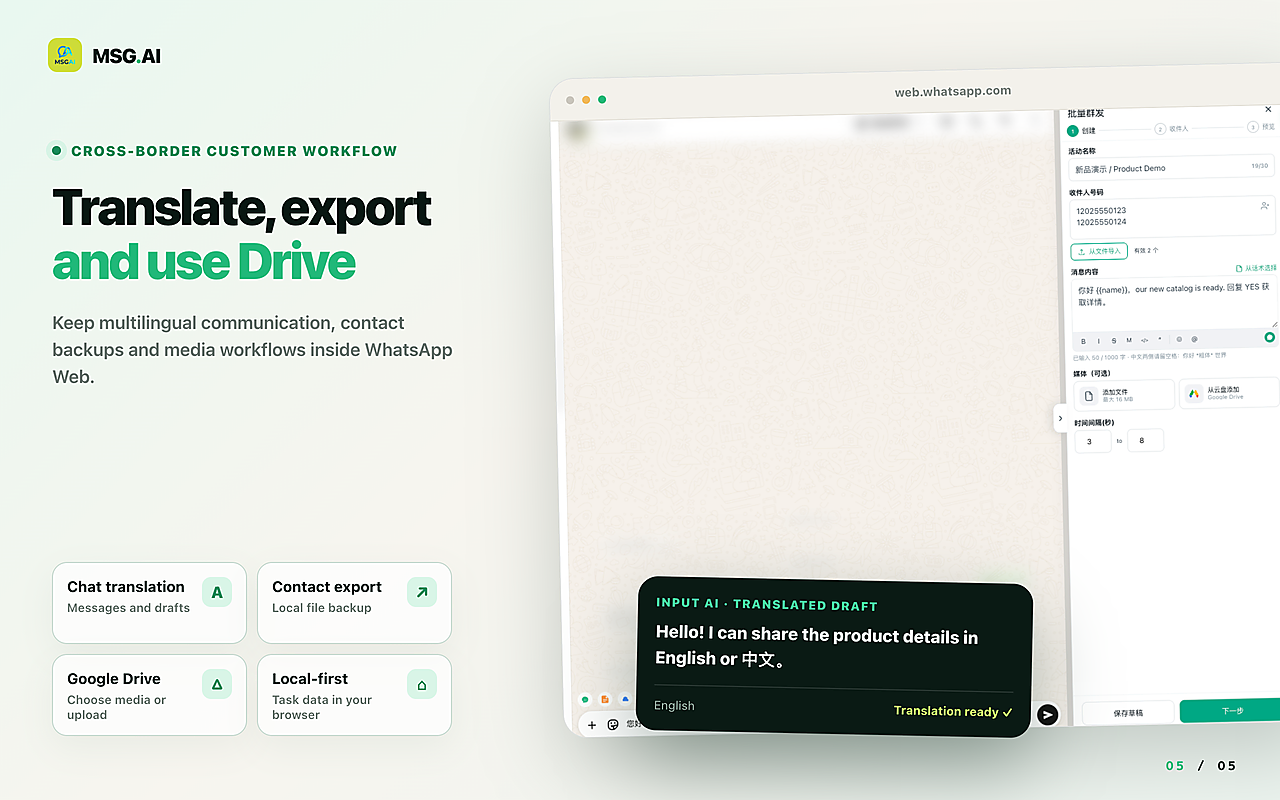
MSG.AI is an independent Chrome extension that runs inside WhatsApp Web for cross-border sellers, ecommerce support and multilingual small teams. It does not create, host or sync a WhatsApp catalog — that is a native Business app / Commerce Manager feature. After a customer opens your catalog and writes in, MSG.AI helps you work that WhatsApp Web inbox:
- Script library / quick replies for size charts, MOQ, lead time and shipping corridors.
- AI translation and knowledge-base reply drafts you review before sending when buyers write in another language.
- Paced sending for restock or quote-ready follow-ups to people who already inquired — delays you control.
- Personalisation from a spreadsheet for order-status style replies; see personalised messages from Excel.
- Google Drive media so catalog-adjacent assets (lookbooks, certificates) live next to the chat.
- Contact, group and chat export for handoff and records — with the privacy caveats above.
- Local storage by default: task data stays in your browser unless you use cloud features such as AI translation.
MSG.AI is not affiliated with Meta or WhatsApp, is not the WhatsApp Business API, and cannot approve catalog images or raise Business Platform messaging tiers. WhatsApp's guidance still discourages bulk and auto messaging on its consumer and Business apps — that applies to every WhatsApp Web tool, including MSG.AI. Use the catalog to invite real product interest, then reply like a human team.
FAQ
WhatsApp catalog FAQ
What is a WhatsApp catalog?
It is a product or service list attached to a WhatsApp Business account. Customers browse items with photos and prices, then ask questions or order in the same chat.
How do I create a WhatsApp catalog?
In the WhatsApp Business app open Catalog → Add new item, upload images, set name and country of origin, add optional price and details, then save and wait for review.
Is a WhatsApp business catalog free?
Creating and maintaining a catalog in the WhatsApp Business app does not require a paid Meta subscription. Business Platform / API catalogs sit on a different paid messaging stack.
How many products can I add?
Business app catalogs support a large but finite number of items (commonly described in the hundreds, often around a 500-item class of limit). Check the in-app catalog manager for your account's current cap; Platform catalogs scale higher via Commerce Manager.
Can I share my WhatsApp catalog link?
Yes. Share individual products, collections or a catalog link from the Business app, and keep the catalog visible on your business profile for saved contacts.
Does MSG.AI create my catalog?
No. MSG.AI helps you answer catalog-driven chats on WhatsApp Web with scripts, translation, paced follow-ups and exports. Catalog creation stays in WhatsApp Business or Commerce Manager.
Put products where customers already chat
Build a clean WhatsApp catalog, group bestsellers into collections, and share the right shelf in each conversation. When the questions land on WhatsApp Web, install MSG.AI from the Chrome Web Store to answer with scripts, translation and paced follow-ups — without pretending the extension built the catalog.
Related guides: click to chat links, welcome and away templates, customer service reply templates, Business app vs Platform.
Frequently asked questions
FAQ
What is a WhatsApp catalog?
It is a product or service list attached to a WhatsApp Business account. Customers browse items with photos and prices, then ask questions or order in the same chat.
How do I create a WhatsApp catalog?
In the WhatsApp Business app open Catalog → Add new item, upload images, set name and country of origin, add optional price and details, then save and wait for review.
Is a WhatsApp business catalog free?
Creating and maintaining a catalog in the WhatsApp Business app does not require a paid Meta subscription. Business Platform / API catalogs sit on a different paid messaging stack.
How many products can I add to a WhatsApp catalog?
Business app catalogs support a large but finite number of items (commonly described in the hundreds, often around a 500-item class of limit). Check the in-app catalog manager for your account's current cap; Platform catalogs scale higher via Commerce Manager.
Can I share my WhatsApp catalog link?
Yes. Share individual products, collections or a catalog link from the Business app, and keep the catalog visible on your business profile for saved contacts.
Does MSG.AI create my WhatsApp catalog?
No. MSG.AI helps you answer catalog-driven chats on WhatsApp Web with scripts, translation, paced follow-ups and exports. Catalog creation stays in WhatsApp Business or Commerce Manager.
Do I still need a website if I have a WhatsApp catalog?
A catalog is enough for many chat-first sellers with a manageable range. Keep or add a website when you need Google discovery, large variant matrices, automated checkout or inventory sync — many teams use both.
Last checked October 15, 2026 against the WhatsApp Help Center (create and maintain a catalog, collections, sharing catalog links, cart and order-details articles) and WhatsApp for Business catalog resources. Menus, item limits and review times can change. MSG.AI is not affiliated with Meta or WhatsApp, does not create catalogs and is not the WhatsApp Business API.