GDPR checklist for WhatsApp
WhatsApp GDPR Compliance: Is WhatsApp Business GDPR Compliant? A Practical Checklist (2026)
No product is "GDPR compliant" on its own. What regulators look at is how your business uses it: which customers you message, on what legal basis, what you store and who else touches the data. This guide explains how WhatsApp GDPR rules apply to the Business app, the Business Platform and WhatsApp Web extensions, what changed in the Business app terms in September 2026, and gives you a 10-point checklist and copy-ready opt-in messages.
Quick answer
Is WhatsApp Business GDPR compliant?
Not automatically, and not automatically non-compliant either. The GDPR regulates processing, not apps. Any business that messages people in the EU (or the UK, under UK GDPR) on WhatsApp is processing personal data: phone numbers, names, chat content, order details. That business is the controller and has to show it has a legal basis, tells people what it does with their data, keeps it secure, deletes it on time and handles their rights requests. This applies even if your company is based in China, India or Singapore, as long as you offer goods or services to people in the EU.
Use a WhatsApp number dedicated to business. Only message people who gave you their number and agreed to hear from you. Record that consent. Mention WhatsApp in your privacy notice. Keep exports and spreadsheets to a minimum and delete them on a schedule. Answer access and deletion requests within a month. Check every extra tool, including browser extensions and AI features, for where it sends data.
Below: how the three ways of using WhatsApp differ, what changed in the WhatsApp Business app terms on September 23, 2026, a 10-point checklist, opt-in message templates, and practical answers for groups, exports and Chrome extensions. This is practical guidance, not legal advice. For high-risk data or large-scale processing, talk to a data protection professional.
Know your setup
WhatsApp Business app vs Business Platform vs WhatsApp Web extensions
These setups have different data flows, so they need different checks.
| Setup | How data flows | Main GDPR questions |
|---|---|---|
| WhatsApp Business app (phone) | Chats live on your phone and linked devices; WhatsApp processes customer contact data under its Business app terms | Contact sync from the phone's address book, device security, backups, staff sharing one phone |
| WhatsApp Web / Desktop | A linked device of the same account; chats load in the browser | Who can use the computer, browser profile security, logging out shared machines |
| Browser extension on WhatsApp Web | Runs inside the WhatsApp Web page; may store data locally or send some of it to the vendor's servers | What the extension stores, where, which features call a server or AI service, what exports it creates |
| WhatsApp Business Platform (API) | Messages sent from your systems via Meta's Cloud API, often through a Business Solution Provider | Contracts with Meta and the provider, sub-processors, hosting region, CRM integrations, template consent |
None of these is "the compliant one". The API gives larger teams more control; the app and WhatsApp Web can work for a small business with good habits. Compare them in WhatsApp Business app vs Platform vs web extension.
What's new
What changed in the WhatsApp Business app terms in September 2026
Many older guides say the WhatsApp Business app offers businesses no data processing terms at all. That is out of date. The WhatsApp Terms for WhatsApp Business App, effective September 23, 2026, state that your business is the controller of the customer contact data you provide, and that WhatsApp processes that data as your processor under the WhatsApp Business Data Processing Terms, which are incorporated into the terms.
- What it covers: personal information in the customer data you give WhatsApp so you can message your customers.
- What it does not cover: WhatsApp still describes itself as an independent controller for its own processing, such as account, device, usage and security data, under its privacy policy.
- What it does not change: your own duties. You still need a legal basis, a privacy notice, opt-in, retention rules and a way to handle requests.
Terms change, so re-read the current versions and keep a dated copy with your records.
Do this
The 10-point WhatsApp GDPR compliance checklist
- Pick a legal basis for each purpose. Answering a customer who wrote to you, or sending order and delivery updates, usually rests on the contract. Promotional messages usually need consent. Write the choice down.
- Get opt-in before marketing, and record it. Keep who agreed, when, how (form, checkout box, chat reply) and to what. WhatsApp's own Business Messaging Policy also requires opt-in before you message people.
- Check local marketing rules too. On top of GDPR, electronic marketing rules (national ePrivacy laws in the EU, PECR in the UK) generally require prior consent for marketing messages, with narrow exceptions for existing customers in some countries.
- Update your privacy notice. Say that you use WhatsApp, for what, which tools are involved, how long you keep chats and exports, and how to opt out or make a request.
- Separate business and personal contacts. Use a dedicated business number and phone. If contact sync is on, the phone's address book is shared with WhatsApp, so do not mix private contacts with customers.
- Collect only what you need. Do not ask for ID scans, health details or card numbers in chat.
- Set retention rules. Decide how long you keep chats, exported contact lists and campaign spreadsheets, and put a date in your calendar to delete them.
- Secure every device. Screen locks, separate staff accounts on shared computers, disk encryption, and logging WhatsApp Web out of machines you do not control.
- List every tool that touches the data. WhatsApp, browser extensions, AI translation, Google Drive, your CRM or spreadsheets. Note where each stores data and whether data leaves the EU.
- Prepare for requests. Have a short process and reply templates for access, correction, deletion and "stop messaging me". You normally have one month to respond.
Under the GDPR, serious breaches can lead to fines of up to €20 million or 4% of worldwide annual turnover, whichever is higher. For a small business the bigger day-to-day risk is complaints and blocks from customers who never asked to be messaged.
Copy-ready scripts
WhatsApp opt-in message templates (and why opt-in is not the whole story)
WhatsApp's opt-in rule and GDPR consent are related but not the same. WhatsApp wants proof that people agreed to receive messages from you. GDPR consent for marketing must be freely given, specific, informed and as easy to withdraw as to give. A clear opt-in message can do both jobs. Replace the {{placeholders}} and keep the wording plain.
1. Opt-in request after a purchase or chat
Hi {{name}}, thanks for your order. Would you like WhatsApp updates from {{shop}}
about new arrivals and offers (about {{frequency}})? Reply YES to join. You can reply STOP anytime.
How we use your data: {{privacy_link}}
2. Confirmation after they reply YES
Thanks {{name}}, you're subscribed to {{shop}} updates on WhatsApp.
We'll send about {{frequency}}. Reply STOP to unsubscribe at any time.
3. Separate service and marketing
Hi {{name}}, we'll send your order and delivery updates here.
Would you also like occasional offers? Reply OFFERS to opt in, or ignore this message.
4. Opt-out confirmation
Done, {{name}}. You won't receive marketing messages from us anymore.
We'll only message you here about an order you place or a question you send us.
5. Re-permission for an old list
Hi {{name}}, we're cleaning up our WhatsApp list. Do you still want updates from {{shop}}?
Reply YES to stay subscribed. If we don't hear from you, we'll remove you from offers.
Only send #5 to people who previously gave you their number for this kind of contact. Do not use it to "launder" a bought or scraped list. For promotional copy once people have opted in, use the WhatsApp marketing message templates, and save your approved opt-in wording in a script library so the whole team uses it.
Groups and communities
Are WhatsApp groups GDPR compliant?
The same logic applies: it depends on how you run them. In ordinary groups, members can usually see each other's phone numbers, so adding customers to one group discloses their numbers to strangers. That is hard to justify for a business.
- Prefer one-to-one messages or announcement-style setups where members cannot see each other, such as broadcast lists or community announcement groups. See broadcast list vs bulk sender.
- Ask before adding anyone to a group, and tell them who else can see their number.
- Exporting group members is a new processing purpose. A group member list is not a marketing list. If you export WhatsApp group members to Excel or CSV, use it for a purpose those people would expect, and do not start sending them promotions without a legal basis.
Tool review
Chrome extensions for WhatsApp Web and GDPR: questions to ask
A browser extension sits inside the WhatsApp Web page, so it can see what you see. Before using one on customer chats, get answers to these questions and keep them on file.
| Question | Why it matters |
|---|---|
| Where are scripts, contact lists and campaign tasks stored? | Local browser storage stays on your machine; vendor servers add a processor and possibly a transfer outside the EU |
| Are messages relayed through the vendor's servers? | Relaying puts message content and numbers in another company's systems |
| Which features call an AI service, and what is sent? | Translation and reply drafts usually send chat text to a cloud model |
| What exports does it create, and where do they go? | CSV, Excel, vCard and HTML files are personal data you must secure and delete |
| What browser permissions does it request? | Broad permissions on all sites are a red flag for a WhatsApp-only tool |
For a wider buyer checklist, see the best WhatsApp Chrome extension for business. For AI features specifically, read how AI reply drafts with a knowledge base work before you turn them on for customer chats.
Data subject rights
How to handle access, erasure and "stop" requests on WhatsApp
- Log the request with the date. The usual deadline is one month, which can be extended in some cases if you tell the person why.
- Confirm identity proportionately; a request from the same WhatsApp number is a good start.
- Find the data everywhere: the chat itself, exported contact lists, campaign spreadsheets, CRM notes, chat archives on Google Drive, and any tool that stores contacts.
- For access, provide a copy of the relevant data, which can include their chat history. A readable HTML chat export is easier to share than screenshots.
- For erasure, delete the chat and remove them from lists and exports, unless you must keep some records (for example invoices for tax).
- For "stop marketing", act immediately. Objection to direct marketing is absolute under the GDPR, and it must reach every list and every teammate.
Reply template for a deletion request
Hi {{name}}, we've received your request to delete your data on {{date}}.
We'll remove your chats and contact details from our lists and confirm by {{deadline}}.
We may keep invoices where the law requires it. Questions? Reply here.
Keeping exports tidy makes all of this easier. See how to export WhatsApp contacts to CSV, Excel or vCard with a consent column, and why an archive is not the same thing as a WhatsApp chat backup.
Avoid these
WhatsApp GDPR mistakes small businesses make
- Messaging bought, scraped or "found" numbers. There is no legal basis for most of these, and recipients report them.
- Treating "they gave me their number" as marketing consent. A number given for delivery is not permission for promotions.
- One phone for family and customers. Contact sync and backups then mix personal and business data.
- Exports that never die. An old customer list on a shared laptop is a breach waiting to happen.
- Pasting sensitive data into AI tools without knowing where the text goes or whether your policy allows it.
- No opt-out path. If customers cannot easily say stop, they block and report instead.
- Believing a vendor that says "100% GDPR compliant". No tool can make your processing compliant for you.
Product-honest fit
Where MSG.AI fits in a GDPR-aware WhatsApp workflow
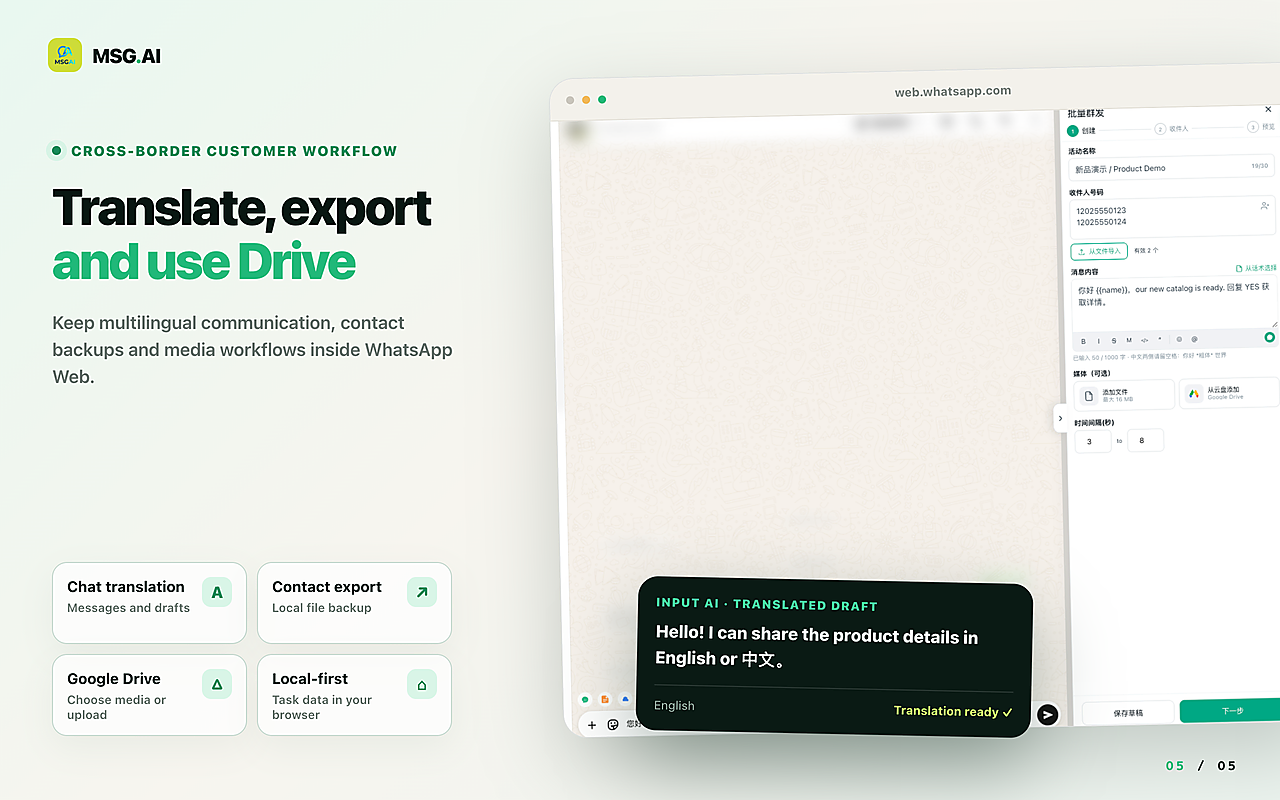
MSG.AI is a Chrome extension that runs inside WhatsApp Web, built for cross-border sellers, ecommerce support teams and multilingual small businesses. It is not the WhatsApp Business API and is not affiliated with Meta or WhatsApp. Here is how its data paths work, so you can document them:
- Local storage by default: extension settings, scripts, the knowledge base, translation cache and campaign tasks are stored in Chrome local storage in your browser profile.
- Paced bulk sending of text, images and video goes through your own WhatsApp Web session, not through an MSG.AI messaging server. Use it only for opted-in contacts.
- AI translation and knowledge-base reply drafts are cloud features: the text you ask to translate, limited recent context, and for reply drafts the selected conversation and enabled knowledge-base content are sent to a hosted AI endpoint. You review and edit every draft before it is sent. Do not use these features on chats your organisation is not permitted to process this way.
- Script library to keep approved opt-in, opt-out and request-handling wording consistent.
- Contact, group and chat export to CSV, Excel, vCard or HTML, and Google Drive for media and archives. These help with access requests and list hygiene, but every exported file is personal data you must secure and delete on schedule.
Honest limits: MSG.AI does not make your use of WhatsApp GDPR compliant, does not collect or store consent records for you, and does not provide legal advice. It needs an open WhatsApp Web session, and it cannot guarantee that your number won't be restricted if people report your messages.
Common questions
Frequently asked questions
Is WhatsApp GDPR compliant?
WhatsApp as a product is neither compliant nor non-compliant on its own. GDPR compliance depends on how your business uses it: your legal basis, opt-in, privacy notice, data minimisation, security, retention and how you handle people's requests.
Is the WhatsApp Business app GDPR compliant?
It can be used in a GDPR-aware way for customer communication if you set it up carefully. Since September 23, 2026, the Business app terms state that WhatsApp processes your customer contact data as your processor under its Business Data Processing Terms. You still need a legal basis, opt-in, a dedicated business phone, retention rules and a request process.
Do I need consent to message customers on WhatsApp?
For marketing, usually yes, both under GDPR-related marketing rules and under WhatsApp's own opt-in policy. For replying to a customer who contacted you, or sending updates about their order, another legal basis such as the contract usually applies.
What should a WhatsApp opt-in message say?
Who you are, what you will send, roughly how often, how to opt out (for example "Reply STOP") and where to read your privacy notice. Ask for an active reply such as YES, and record when and how the person agreed.
Are WhatsApp groups GDPR compliant?
Groups can be risky for businesses because members can usually see each other's phone numbers. Ask before adding anyone, prefer one-to-one messages, broadcast lists or announcement-style communities for customers, and do not reuse exported group member lists for marketing without a legal basis.
Does GDPR apply to businesses outside the EU?
Yes, if you offer goods or services to people in the EU or monitor their behaviour there. A seller in China, India or Singapore messaging European buyers on WhatsApp is in scope. The UK has its own, very similar UK GDPR.
Does MSG.AI store my WhatsApp data on its servers?
By default MSG.AI stores settings, scripts, the knowledge base and campaign tasks in your browser's local storage, and bulk messages go through your own WhatsApp Web session. AI translation and reply drafts send the selected text and context to a hosted AI endpoint, so treat those features as a separate data path in your records.
Run WhatsApp Web with clear data paths
Write down your legal basis, save your opt-in and opt-out scripts, keep exports short-lived, and decide which chats may use AI features. If a local-first WhatsApp Web toolkit fits that workflow, install MSG.AI from the Chrome Web Store and start with scripts and exports before you turn on cloud AI.
Related guides: Business app vs Platform vs web extension, marketing message templates, export WhatsApp contacts, WhatsApp Business API alternative.
Frequently asked questions
FAQ
Is WhatsApp GDPR compliant?
WhatsApp as a product is neither compliant nor non-compliant on its own. GDPR compliance depends on how your business uses it: your legal basis, opt-in, privacy notice, data minimisation, security, retention and how you handle people's requests.
Is the WhatsApp Business app GDPR compliant?
It can be used in a GDPR-aware way for customer communication if you set it up carefully. Since September 23, 2026, the Business app terms state that WhatsApp processes your customer contact data as your processor under its Business Data Processing Terms. You still need a legal basis, opt-in, a dedicated business phone, retention rules and a request process.
Do I need consent to message customers on WhatsApp?
For marketing, usually yes, both under GDPR-related marketing rules and under WhatsApp's own opt-in policy. For replying to a customer who contacted you, or sending updates about their order, another legal basis such as the contract usually applies.
What should a WhatsApp opt-in message say?
Who you are, what you will send, roughly how often, how to opt out (for example "Reply STOP") and where to read your privacy notice. Ask for an active reply such as YES, and record when and how the person agreed.
Are WhatsApp groups GDPR compliant?
Groups can be risky for businesses because members can usually see each other's phone numbers. Ask before adding anyone, prefer one-to-one messages, broadcast lists or announcement-style communities for customers, and do not reuse exported group member lists for marketing without a legal basis.
Does GDPR apply to businesses outside the EU?
Yes, if you offer goods or services to people in the EU or monitor their behaviour there. A seller in China, India or Singapore messaging European buyers on WhatsApp is in scope. The UK has its own, very similar UK GDPR.
Does MSG.AI store my WhatsApp data on its servers?
By default MSG.AI stores settings, scripts, the knowledge base and campaign tasks in your browser's local storage, and bulk messages go through your own WhatsApp Web session. AI translation and reply drafts send the selected text and context to a hosted AI endpoint, so treat those features as a separate data path in your records.
Last checked October 8, 2026. This article is general information, not legal advice. WhatsApp terms, policies and data protection guidance change; check the current WhatsApp Business terms, the GDPR text and your local regulator before relying on them. MSG.AI is not affiliated with Meta or WhatsApp.