Ban and restriction guide
WhatsApp Account Banned or Restricted? Reasons, Review Requests and How to Avoid It (2026)
"This account is not allowed to use WhatsApp due to spam." "Your account is restricted right now." Each screen means something different and needs a different next step. This guide decodes the official messages, explains why business numbers get banned, walks through review requests on the app and the Business Platform, and lists the habits that lower risk for WhatsApp Web teams, without fake unban tricks or ban-proof promises.
Quick answer
What to do if your WhatsApp account is banned
First, read the exact wording on the screen. A ban ("This phone number can't use WhatsApp" or "This account is not allowed to use WhatsApp due to spam") blocks the whole account; if the screen shows Request review, tap it once and wait, because WhatsApp says most reviews finish within 24 hours. If there is no review option, WhatsApp says the ban is final. A restriction ("Your account is restricted right now") is temporary: you can still chat with existing contacts, it lifts on its own, and there is nothing to appeal. A temporary ban usually points to an unofficial WhatsApp app or scraping; switch to the official app or the next ban may be permanent.
Only WhatsApp can ban or unban a number, so ignore paid "unban" services. Stop whatever triggered it (bulk messages to strangers, modified apps, purchased lists), send one honest review request if offered, and change how you message before you start again. Business Platform (API) accounts appeal in Meta Business Support Home instead.
Below: a table of every official ban and restriction message, the usual reasons business numbers get flagged, step-by-step review requests, what changes on the Business Platform, mistakes that make things worse, and a prevention checklist for teams that sell and support customers from WhatsApp Web. Everything was checked against the WhatsApp Help Center, WhatsApp's Terms of Service and Meta's policy enforcement documentation on October 13, 2026.
Diagnosis
Banned, restricted or temporarily banned? Decode the screen
People use "banned" for several different enforcement actions. Your next step depends on which one you see, so screenshot the message before you do anything else.
| What you see | What it means | What to do |
|---|---|---|
| "This phone number can't use WhatsApp" / "This account is not allowed to use WhatsApp due to spam" | Account ban. WhatsApp believes the activity broke its Terms, for example spam or scams. | Tap Request review if it is shown. No review button means the ban is final. |
| "Your account is restricted right now" / "may be restricted soon" | Temporary restriction. Recent activity looked like spam, automated or bulk messaging. | Wait. It ends automatically. Keep talking only to existing chats. |
| "Temporarily banned" (often with a timer) | Usually an unofficial WhatsApp app (mods) or scraping user data. | Move to the official app and stop scraping, or risk a permanent ban. |
| Banned on a brand-new number | The previous owner of a recycled number may have violated the Terms. | Request a review and explain you recently got the number. |
| Warning, block or "account locked" in Business Support Home | Business Platform (API) enforcement on a WhatsApp Business Account. | Read the violation and appeal in Business Support Home. |
Sources: WhatsApp Help Center About account bans, About restricted accounts and About temporarily banned accounts; Meta for Developers Policy enforcement.
Root causes
Why WhatsApp bans business numbers
WhatsApp does not tell you which message triggered a ban. Its Help Center says it bans accounts when activity appears to violate the Terms of Service, and it detects that with machine learning plus reports from users. For sellers and support teams, the usual causes are:
- Bulk messages to people who did not expect them. WhatsApp's responsible-use guide says to message only people who contacted you first or asked to be contacted, and lists "Don't bulk message, auto-message, or auto-dial" under practices to avoid. Its Terms prohibit "bulk messaging, auto-messaging, auto-dialing, and the like".
- Blocks and reports. WhatsApp says it bans accounts that are reported multiple times, and that frequent broadcast messages can lead people to report you. A few annoyed strangers can matter more than hundreds of happy customers.
- Contact lists that are not yours. Bought, scraped or shared lists of numbers are explicitly called out. These lists also produce the most blocks.
- Unofficial or modified WhatsApp apps such as "GB" or "Plus" versions, which trigger temporary and then permanent bans.
- Scraping and automated account or group creation, for example harvesting numbers from groups or adding many people to groups without permission.
- Many new chats that never get a reply, especially from a new or recently re-registered number sending at volume straight away.
- Prohibited content or scams, which can lead to immediate removal rather than a warning.
"I only messaged my own customers" is a common reaction. Intent is not what the systems see: an old customer list that never agreed to WhatsApp messages can still produce blocks and reports. That is why consent and an easy way to opt out matter more than any sending speed.
Appeal
How to request a review of a banned WhatsApp account
On WhatsApp and the WhatsApp Business app, the review happens inside the app on the phone with the banned number:
- Open WhatsApp on the banned number and read the ban message carefully.
- Tap Request review. If the app asks for details, explain briefly what the number is used for and what you will change.
- Wait for the notification. WhatsApp says most reviews are completed within 24 hours and you will be notified in the app. Check status by opening WhatsApp.
- If you are unbanned, verify the number again and change the behaviour that caused the ban before sending anything at volume.
Keep your explanation short and factual: who you are, how customers gave you their number, what kind of messages you send (order updates, replies to enquiries), and what you have stopped doing. Do not deny activity you actually did; reviewers check against account signals, not your wording.
No Request review option means the ban is final and cannot be appealed. Contacting WhatsApp outside the review process, or through another person's account, will not speed up or change the decision. WhatsApp reviews one phone number per appeal, and you cannot open chat history or backups until the number is unbanned.
Restrictions
WhatsApp account restricted: what it means and how long it lasts
A restriction is a warning shot, not a ban. According to WhatsApp's Help Center, it appears when recent activity "might be showing signs of engaging in spam, automated, or bulk messaging". While it lasts:
- You can keep chatting and calling contacts and groups you already exchanged messages with.
- You cannot start chats or calls with new contacts, create groups, add members or use linked devices, and you may be logged out of companion devices such as WhatsApp Web.
- You do not need to appeal. The restriction ends automatically after its set time, and WhatsApp notifies you.
To see the remaining time, tap New chat and pick a contact you have never chatted with; a pop-up shows the countdown. WhatsApp does not publish a fixed duration. Use the time to answer existing customers from the phone, clean your contact list, and rethink outreach, because the same Help Center page warns that accounts engaging in spam, automated or bulk messaging could be banned.
If you were close to monthly broadcast or new-chat caps before the restriction, our guide to WhatsApp message limits explains which limits are published and which are myths.
Business Platform
WhatsApp Business account banned on the API
If you send through the WhatsApp Business Platform (Cloud API or a provider), enforcement works differently. Meta's policy enforcement documentation describes a ladder:
- A warning naming the policy you violated.
- A 1 or 3 day block on marketing, utility and authentication template messages (and on adding phone numbers).
- A 5, 7 or 30 day block on sending any messages.
- An account lock, an indefinite block that can only be removed by appeal.
- Permanent disabling if behaviour does not change, or immediate offboarding for severe harm such as scams.
Meta also says it may limit or offboard a business that receives excessive negative feedback from users. Violations appear in Business Support Home in Meta Business Suite or Business Manager, as a banner in WhatsApp Manager and by email to admins. To appeal, open Business Support Home, select the WhatsApp Business Account, choose the violation and click Request review. The outcome is either Unchanged or Reversed, and a reversed account returns to its previous status. A provider cannot lift a ban for you.
Not sure which product you are on? See Business app vs Platform vs web extension.
Damage control
What not to do after a ban
- Do not pay an "unban" service. WhatsApp states that third-party services cannot ban or remove a ban; only WhatsApp can.
- Do not send repeated appeals or chase support through friends' accounts. It does not change the decision.
- Do not install a modified WhatsApp to "get around" the ban. Unofficial apps are a ban reason on their own.
- Do not move the same list to a new number. The behaviour that got the first number banned will usually get the second one banned too.
- Do not blast more messages to "test" an account during a restriction. More unwanted messages mean more blocks and reports.
- Do not trust tools that promise "anti-ban" or "unlimited" sending. No software can switch off WhatsApp's detection.
Prevention
How to avoid a WhatsApp ban when you message customers
There is no official "safe" number of messages, so prevention is about who you message and how they react. A practical checklist for ecommerce, export and support teams:
- Get consent you can show. Message customers and leads who gave you their number for this purpose, and keep a note of when and how. The GDPR and opt-in checklist has wording.
- Let customers start the chat. Put click-to-chat links on product pages, invoices and parcels so conversations begin with them.
- Never use bought or scraped lists. They are the fastest route to reports.
- Introduce yourself in the first line. Say who you are and why you are writing, then ask one easy question. Replies are the best signal you can earn.
- Personalise and localise. Use the customer's name, order details and language instead of identical text to everyone.
- Test small, ramp slowly. Send to a small segment, read replies and blocks, then decide on the next batch. New numbers should warm up gradually.
- Pace sends and pause between batches. Bursts of identical messages look automated. See how to pace WhatsApp Web bulk sends.
- Make opting out easy and honour it at once. Remove people who say stop and never re-add them from an old spreadsheet.
- Follow up once, not five times. Our follow-up templates are written to get answers without nagging.
- Stop at the first warning. A restriction or limit notice means stop starting new chats and work existing conversations.
- Use only official WhatsApp apps on the phone, and keep the number's profile complete and recognisable.
- Move true volume to the API. If your plan relies on messaging thousands of people who have not written to you, the Business Platform with approved templates is the route WhatsApp built for it.
Product fit
Where MSG.AI fits (and what it cannot do)
MSG.AI is an independent Chrome extension that runs inside WhatsApp Web for cross-border sellers, ecommerce support and multilingual small teams. It is designed to make work with opted-in customers less manual, and some of its features map directly to the checklist above:
- Paced sending of text, images and video through your own WhatsApp Web session, one chat at a time, with fixed or random delays, progress tracking and pause/resume, so you can test small batches and stop the moment something looks wrong.
- Personalisation from a spreadsheet so each customer gets their own name and order details; see personalised messages from Excel.
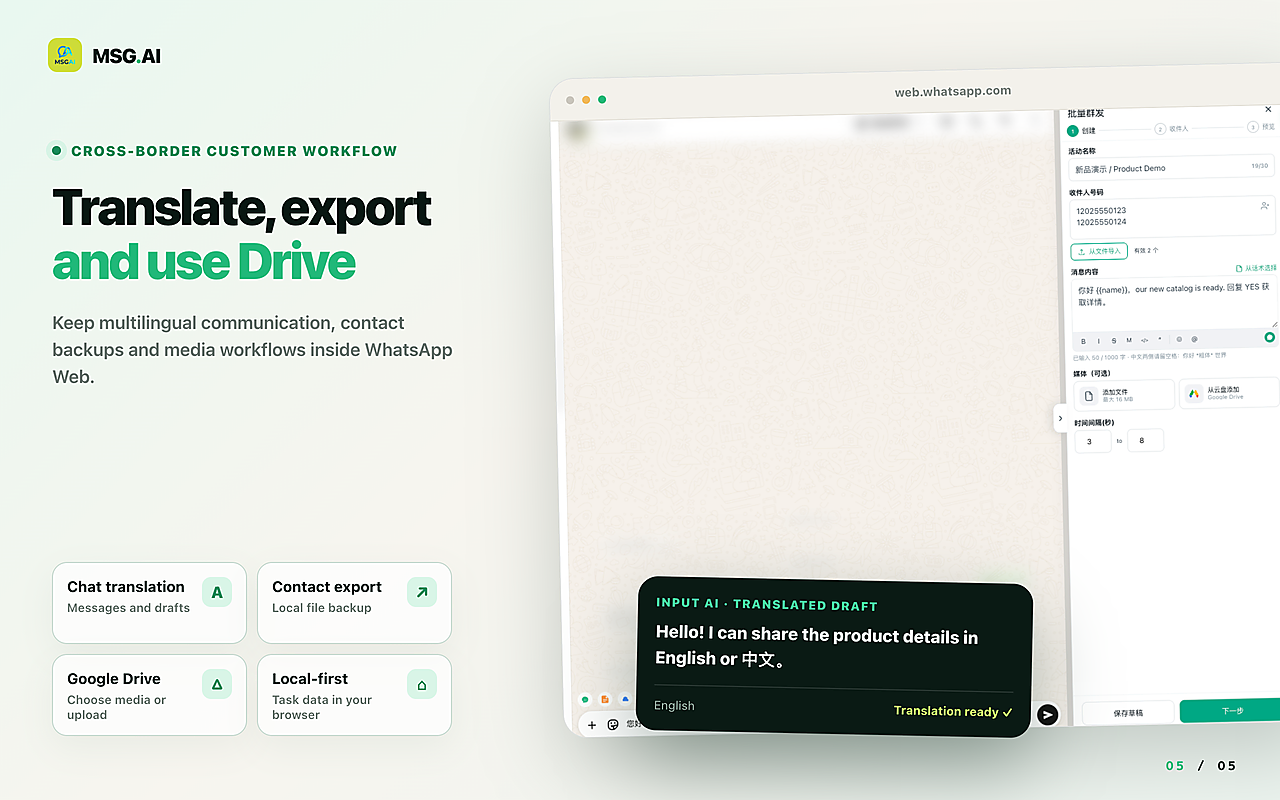
- AI translation and knowledge-base reply drafts you review before sending, so customers get relevant answers in their own language instead of generic blasts.
- Script library, Google Drive media and contact, group and chat export for tidy follow-up and record keeping.
- Local storage by default: task data stays in your browser unless you use cloud features such as AI translation.
WhatsApp's own guidance says not to bulk message or auto-message on its consumer and Business apps, and that applies to every bulk-sending tool, MSG.AI included. MSG.AI cannot unban a number, does not hide automation from WhatsApp, and cannot guarantee an account will not be restricted or banned. Use it with people who expect your messages, at a pace you would defend in a review. MSG.AI is not affiliated with Meta or WhatsApp and is not the WhatsApp Business API.
FAQ
WhatsApp account banned FAQ
Why was my WhatsApp account banned?
WhatsApp bans accounts when it believes activity violates its Terms, for example spam, scams, bulk or automated messaging, unofficial apps or scraping. It does not say which message triggered it, so review recent outreach, the lists you used and any third-party apps.
How long does a WhatsApp ban last?
A ban lasts until WhatsApp reverses it after a review; most reviews finish within 24 hours according to the Help Center. If there is no Request review option, the ban is final. Restrictions and temporary bans end on their own after a set period.
What does "This account is not allowed to use WhatsApp due to spam" mean?
It means WhatsApp banned the number for activity its systems classed as spam. Stop bulk or unsolicited messaging, remove any unofficial app, and submit one honest review request if the option is shown.
Can I get my banned WhatsApp number back?
Only if WhatsApp reverses the ban after a review. Third-party services cannot unban accounts. If the review is denied or unavailable, the number cannot be used on WhatsApp.
Is a restricted account the same as a banned account?
No. A restricted account can still message existing chats and the restriction lifts automatically. A banned account cannot use WhatsApp until a review succeeds.
Can a WhatsApp Web Chrome extension get my account banned?
Any tool used for bulk or automated messaging can contribute to a ban, because WhatsApp's guidance discourages bulk messaging on its apps. Risk depends heavily on who you message and how they react. No extension can promise ban-proof sending.
Protect the number your customers know
Read the screen, request one honest review, and fix the cause before you send again. When you message opted-in customers from WhatsApp Web, install MSG.AI from the Chrome Web Store to pace, personalise and translate those conversations without copy-paste.
Related guides: WhatsApp message limits, bulk message delay settings, GDPR and opt-in checklist, broadcast list vs bulk sender.
Frequently asked questions
FAQ
Why was my WhatsApp account banned?
WhatsApp bans accounts when it believes activity violates its Terms of Service, for example spam, scams, bulk or automated messaging, unofficial WhatsApp apps or scraping. It does not say which message triggered the ban, so review recent outreach, contact lists and third-party apps.
How long does a WhatsApp ban last?
A ban lasts until WhatsApp reverses it after a review; the Help Center says most reviews are completed within 24 hours. If there is no Request review option, the ban is final. Restrictions and temporary bans end automatically after a set period.
What does "This account is not allowed to use WhatsApp due to spam" mean?
It means WhatsApp banned the number for activity its systems classed as spam. Stop bulk or unsolicited messaging, remove any unofficial WhatsApp app, and submit one honest review request if the option appears.
Can I get my banned WhatsApp number back?
Only if WhatsApp reverses the ban after a review. WhatsApp says third-party services cannot ban or unban accounts. If the review is denied or no review option is shown, the number cannot be used on WhatsApp.
Is a restricted WhatsApp account the same as a banned account?
No. A restricted account can still message contacts and groups it already chatted with, cannot start new chats or use linked devices, and the restriction lifts automatically. A banned account cannot use WhatsApp until a review succeeds.
How do I appeal a WhatsApp Business API account ban?
Open Business Support Home in Meta Business Suite or Business Manager, select the WhatsApp Business Account, choose the violation and click Request review. The decision is either Unchanged or Reversed; an account lock can only be removed by appeal.
Can a WhatsApp Web Chrome extension get my account banned?
Any tool used for bulk or automated messaging can contribute to a ban, because WhatsApp guidance discourages bulk messaging on its apps. Risk depends on who you message and how they react. No extension, including MSG.AI, can guarantee ban-proof sending.
Last checked October 13, 2026 against the WhatsApp Help Center (account bans, restricted accounts, temporarily banned accounts, responsible use), the WhatsApp Terms of Service and Meta for Developers policy enforcement documentation. Enforcement practices change over time. MSG.AI is not affiliated with Meta or WhatsApp, cannot unban accounts and does not guarantee account safety.