1
Bulk Sending
Import numbers, compose text/image/video, and queue delivery with pause/resume and live progress.
- One task, many numbers
- Skip invalid entries
- Pause/resume anytime
Features
MSG.AI adds bulk sending, AI translation, AI auto-reply, script library, cloud media library, task queue, history, and export on WhatsApp Web. Free plan: 10 messages/day. Data stays local-first in your browser.
Product screenshots
See the AI-assisted composer and right-side plugin workspace together, with Chinese and English in the same workflow.
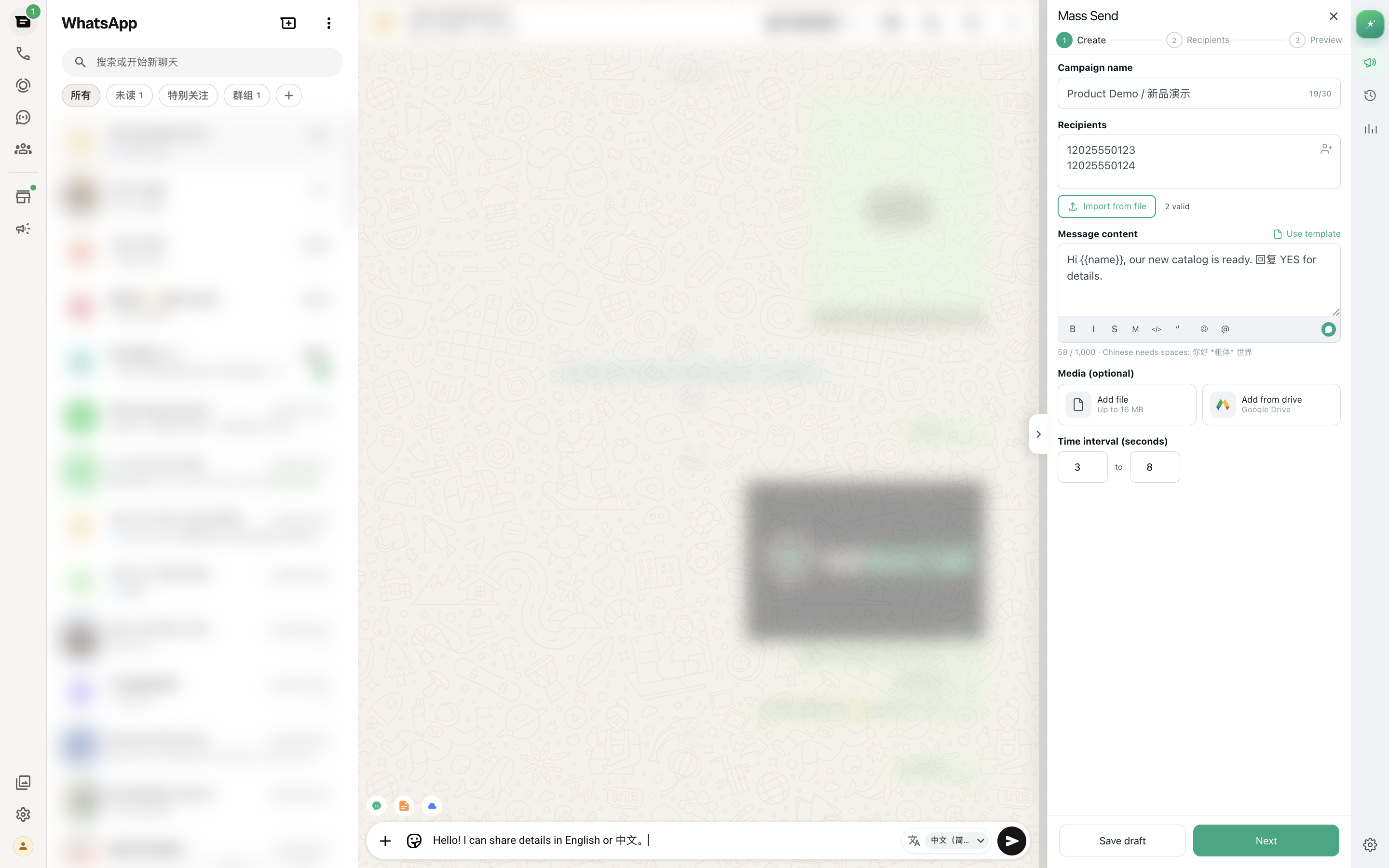
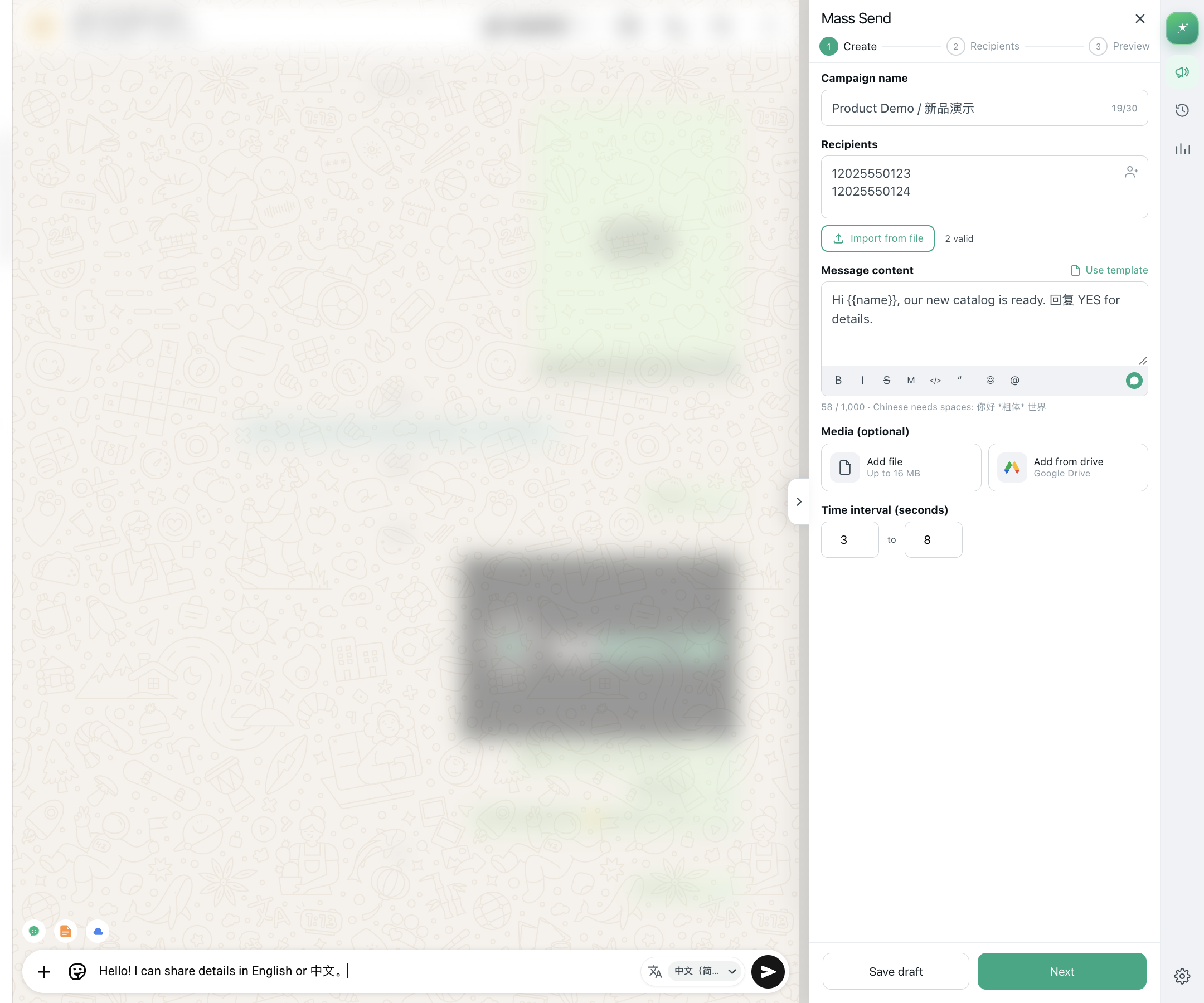
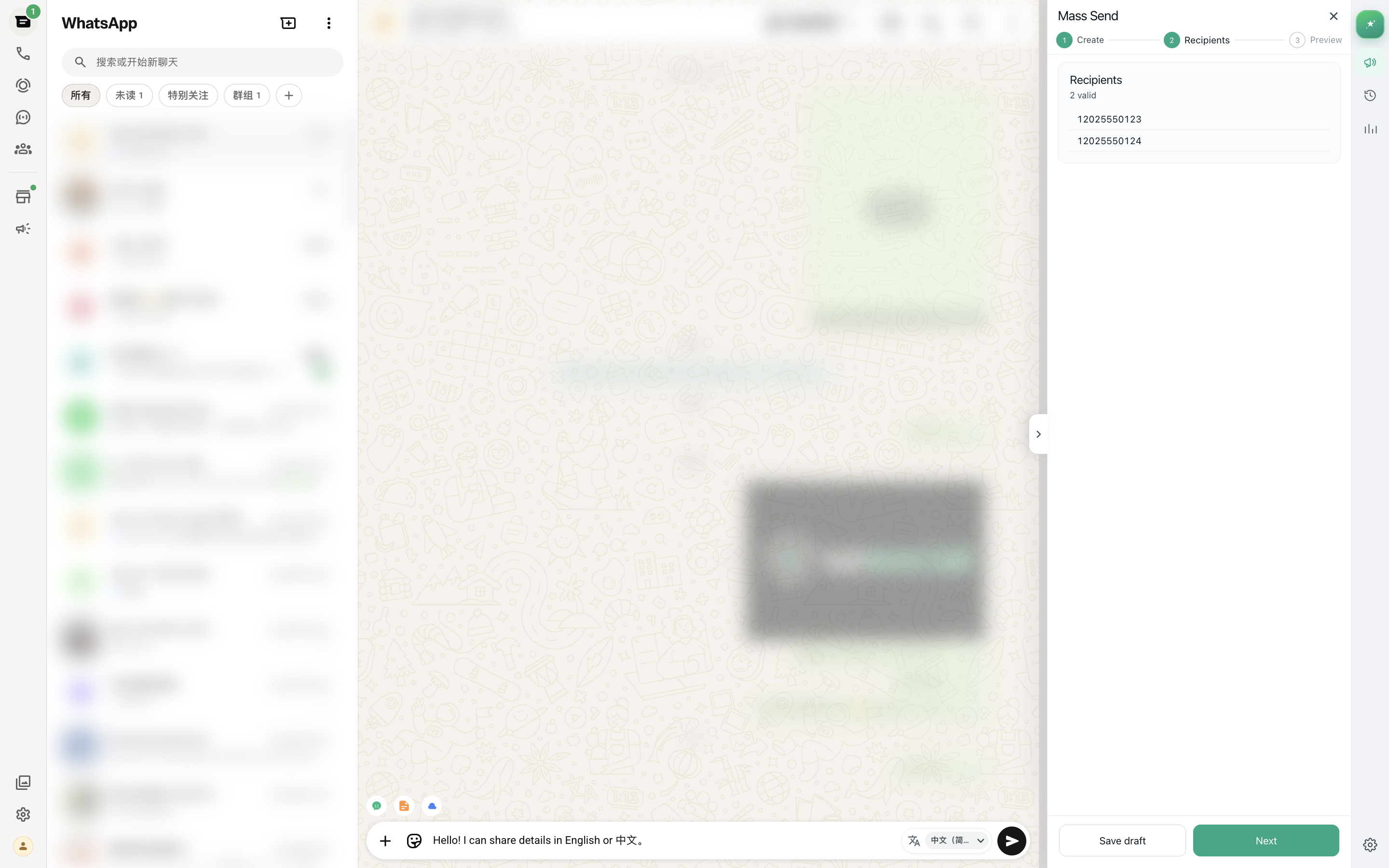
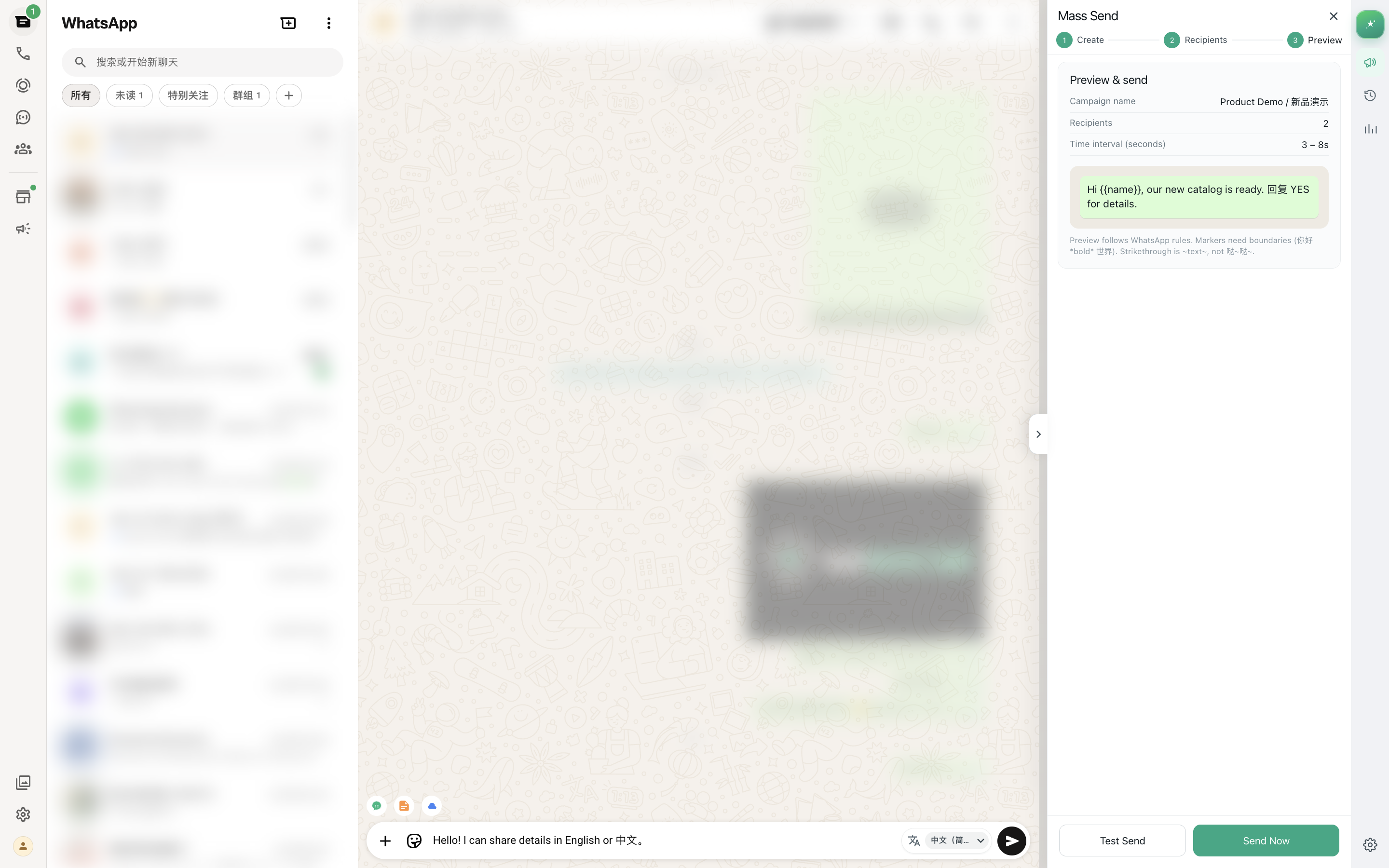
From contact list to completed campaign — or AI translate/reply inside chats — all in the extension and WhatsApp Web.
Paste or import numbers; reuse scripts; pick images/videos from the Drive media library.
Write text or attach media; AI-translate drafts; generate contextual auto-reply when needed.
Configure random delay and watch the free daily quota (10/day) or upgrade Pro.
Start the queue and watch live progress, success, and failures.
Import numbers, compose text/image/video, and queue delivery with pause/resume and live progress.
Generate a reply draft from the current chat context in one click — edit, then send.
One-click AI translate next to bubbles and the composer, with per-chat target language.
Create, search, and edit reusable scripts; apply them in mass send or daily chats; import/export.
Browse, search, and upload images/videos on Google Drive, then pick them when sending.
Compose text or attach images and videos (up to 16MB) in the same mass-send task.
Random delay between messages to mimic human pacing and reduce account risk.
Export contacts, chat peers, group members, and HTML chat transcripts — local or Drive.
Manage bulk-send tasks in one place with real-time success/fail counts and history.
Task settings and sending logs stay in your browser. No chat content uploaded to our servers.
Install, open WhatsApp Web, and start from the side panel. No server setup required.