Profile setup guide
WhatsApp Business Profile (2026): How to Set Up Name, Photo, Hours, Website and Description
Your WhatsApp Business profile is the public card customers see before they message you. This guide covers how to set up and edit name, photo, category, hours, address, website and description, what Meta Verified changes, and how WhatsApp Web teams answer the inquiries a strong profile generates.
Quick answer
How to set up a WhatsApp Business profile
Download the WhatsApp Business app, verify a dedicated business number, then complete the onboarding profile: business name, up to three categories, hours, profile photo, address/website and a short description. Later, open Tools → Profile (menus vary by Android/iOS) to edit photo, cover, name, description, price range, payment/parking options, category, address, hours, email, website, linked Facebook/Instagram, catalog, About and phone number. Keep every field accurate — WhatsApp notes that a complete profile can reduce repetitive questions about hours and location. When customers message you, answer on WhatsApp Web with clear scripts; the profile builds trust, the conversation closes the sale.
A WhatsApp Business profile is free inside the Business app and is your public shopfront card. Fill name, logo-quality photo, category, hours, website and a specific description. It is not Meta Verified (blue check) and not the Business Platform API. Staff the inbox that follows — an empty or stale profile that still gets messages will frustrate buyers faster than no profile at all.
Below: what customers see, the field-by-field edit path, usernames and short links, what changes with Meta Verified, how WhatsApp Web teams handle inbound chats, and common mistakes. Checked against the WhatsApp Help Center business-profile articles on October 16, 2026.
Basics
What a WhatsApp Business profile is
Your business profile is the publicly viewable information attached to a WhatsApp Business account. WhatsApp documents that it can include business name and address, username, category, description, email and website — plus photo, cover, hours and related fields depending on your app version and region. Customers open it from chat headers, search, shared links or your QR code before they decide whether to write.
Do not confuse three different things people often lump together:
- WhatsApp Business app profile — what this guide covers. Free for SMBs on the Business app. Edited on the phone under Tools → Profile.
- WhatsApp Business Platform (API) display name — a Cloud API / BSP number with a display name reviewed by Meta. Different onboarding, messaging tiers and pricing. See Business app vs Platform vs web extension.
- Meta Verified / official business markers — paid verification and name/photo review rules that may apply on top of a profile. Not the same as filling in hours and a website.
Cross-border sellers and multilingual support desks usually start with the Business app profile, then answer on a computer via WhatsApp Web. That split is normal: profile and greetings live on the phone app; operational replies live on the larger screen.
Setup
Create your profile when you first open WhatsApp Business
WhatsApp's download and onboarding flow for the Business app is roughly:
- Install WhatsApp Business from the Play Store or App Store (not the consumer Messenger app if you want business tools on that number).
- Accept the terms and verify a phone number dedicated to the business when you can — mixed personal/work numbers create privacy and handoff pain later.
- Enter a business name customers already recognise.
- Select up to three business categories from the list (custom categories are not available).
- Add business hours, then a profile photo.
- Optionally add address and website, then a description.
- Finish onboarding. You can skip some optional fields and complete them later under Tools → Profile.
If you already use WhatsApp Messenger on that number, WhatsApp documents a path to move between Messenger and the Business app — plan downtime and backups before you switch; do not treat a mid-peak migration as a casual toggle. Source: WhatsApp Help Center articles on downloading the Business app and editing your business profile.
Fields
Edit name, photo, hours, address, website and description
After onboarding, open Tools → Profile to maintain the public card. Menus move between Android, iOS and Web-linked views; treat the in-app labels as authoritative.
| Field | What to put | Why it matters |
|---|---|---|
| Profile photo / cover | High-contrast logo or clear storefront; avoid party selfies | First trust signal in chat lists and profile views; photo is public by default |
| Business name | The name customers already search and pay | Mismatch with invoices and ads looks like a fake account |
| Description | Specific offer + corridor ("Wholesale apparel to UAE/SG — MOQ 20") | Cuts "what do you sell?" openers; Meta AI assistants may help draft in some regions |
| Category | Up to three closest official categories | No custom categories; use a generic or Other Business if needed |
| Business hours | Selected hours, always open, or appointments only | Sets open/closed expectations; pair with away messages after hours |
| Address / coverage | Search, manual entry, or "no physical location" + coverage area | Local buyers and couriers; online-only sellers should say so clearly |
| Email and website | Monitored inbox + https site or storefront | Gives a second channel when chat is noisy |
| Price range / services | Optional price band, payment and parking options where shown | Useful for local retail; skip fields that do not apply |
| Catalog | Manage products from the Products section | Profile card plus shelf — see the catalog guide |
| About | Custom status or a preset | Short line under the name; keep it professional |
Practical tips for exporters and ecommerce support:
- Put shipping regions and languages in the description so fewer first messages ask the same thing.
- Keep the website field on a landing page that matches the WhatsApp offer — not a dead homepage.
- Set hours to the hours you actually staff WhatsApp Web, not your warehouse lights-on time.
- Link Facebook / Instagram only when those Pages are active; a dead social proof badge hurts more than none.
- Pair the profile with welcome and away templates so after-hours profile viewers still get a clear next step.
Discovery
Business username, QR codes and short links
WhatsApp documents an optional business username to help customers find you without saving a raw phone number. Availability and rules vary by region and account type — check the in-app username flow and Help Center before you print packaging. If usernames are not offered on your account yet, keep using your number plus a click-to-chat (wa.me) link on ads, packaging and the website.
Related surfaces that sit next to the profile but are not the profile itself:
- Business QR codes — customers scan to open a chat; you can set a default message. Reset the QR if it leaks onto the wrong channel.
- Short links — WhatsApp documents creating short links for the Business app; use distinct pre-fills per placement so agents know the source.
- Catalog on the profile — approved products appear with the shopfront card; incomplete catalogs still need staffing when someone taps an item.
Verification
Meta Verified, name changes and what a profile is not
Filling a Business profile does not make you Meta Verified and does not turn the number into a Cloud API WABA. WhatsApp notes that businesses with active Meta Verified subscriptions may need review and approval when updating certain asset profile name and picture fields. If your display name is locked behind review, plan copy changes ahead of campaigns — do not assume instant edits on launch day.
Also remember:
- A polished profile does not raise Business Platform messaging tiers or approve template messages.
- Profile completeness does not legalise cold bulk outreach; WhatsApp still discourages bulk and auto messaging on consumer and Business apps. See account banned / restricted and message limits.
- If you outgrow a single phone inbox, evaluate the Platform path honestly — the profile guide will not stretch into a multi-agent API stack.
Operations
Handle profile-driven chats on WhatsApp Web
Most serious teams keep the phone linked and answer on WhatsApp Web or Desktop so spreadsheets, size charts and scripts stay open. A working playbook after someone views your profile and writes in:
- Answer the profile-triggered question first (hours, shipping corridor, MOQ, "are you the official shop?") before pitching.
- Reuse approved wording from a script library so every agent quotes the same policies — quick replies guide.
- Send the right media (price list PDF, lookbook, certificate) without digging through phone albums.
- Translate when needed, then review before send — a multilingual description attracts multilingual chats.
- Log the deal outside WhatsApp so a deleted chat does not erase the order.
If several people share one Business number, agree who owns unread chats during the hours published on the profile. Publishing "Open now" while nobody is on WhatsApp Web trains customers to block you. Use away messages when you cannot staff the stated hours.
Troubleshooting
Common WhatsApp Business profile mistakes
- Personal photo or blurry logo — looks unprofessional and can match scam patterns buyers have seen before.
- Vague description ("Quality products, contact us") — invites low-intent noise and the same FAQ every hour.
- Hours that do not match staffing — open status with silent chats damages trust faster than "appointments only".
- Website field pointing to a broken or unrelated page — customers bounce and never return to chat.
- Wrong category — harder for people browsing categories; cannot invent a custom label.
- Assuming profile = verified blue check — different products; do not promise verification in ads.
- Using the profile as a cold blast list excuse — people who saved you still did not consent to unrelated promos; see GDPR checklist.
- Never updating prices or corridors after FX or policy changes — your description becomes a liability in disputes.
Product fit
Where MSG.AI fits (and what it cannot do)
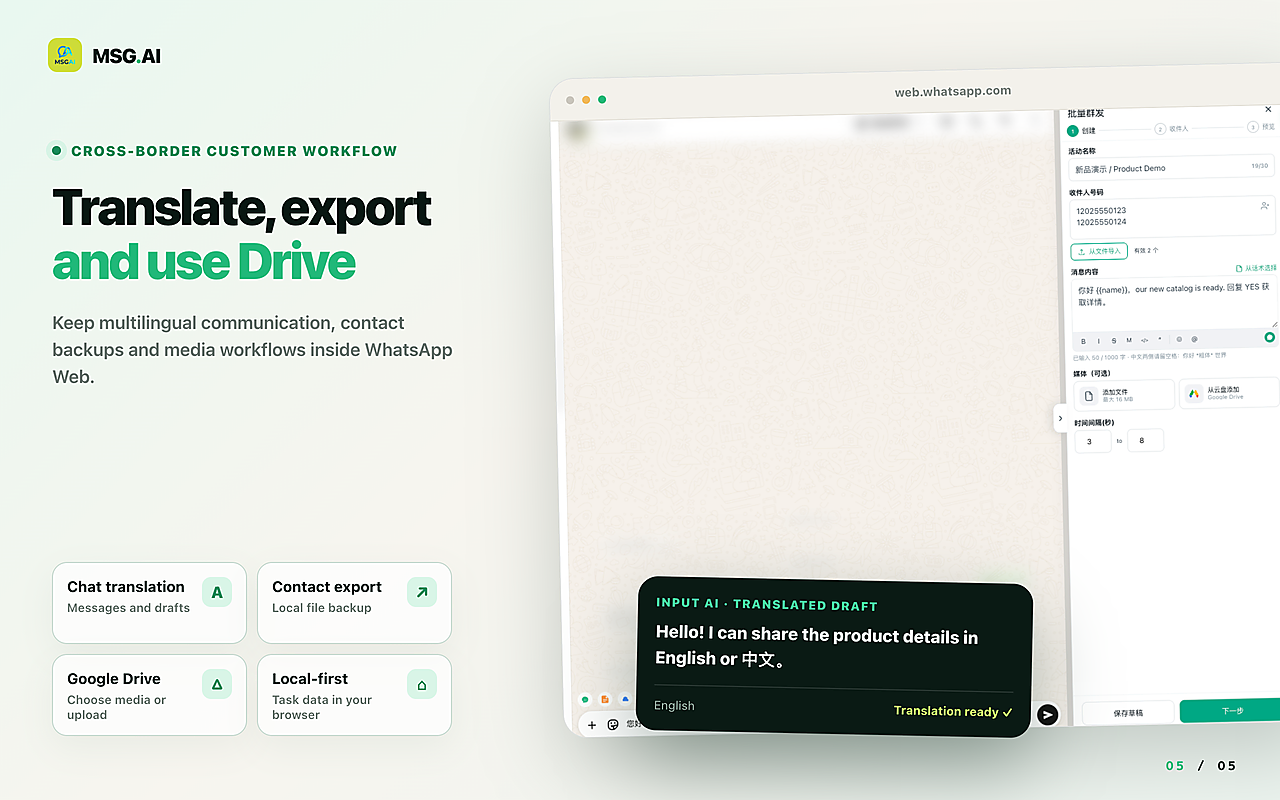
MSG.AI is an independent Chrome extension that runs inside WhatsApp Web for cross-border sellers, ecommerce support and multilingual small teams. It does not create or edit your WhatsApp Business profile, username, QR code or Meta Verified status — those stay in the Business app and Meta flows. After a customer opens your profile and messages you, MSG.AI helps you work that WhatsApp Web inbox:
- Script library / quick replies for hours, shipping corridors, MOQ and "official shop" confirmations.
- AI translation and knowledge-base reply drafts you review before sending when buyers write in another language.
- Paced sending for quote-ready or order-status follow-ups to people who already inquired — delays you control.
- Personalisation from a spreadsheet for status-style replies; see personalised messages from Excel.
- Google Drive media so lookbooks and certificates live next to the chat.
- Contact, group and chat export for handoff and records — with privacy caveats.
- Local storage by default: task data stays in your browser unless you use cloud features such as AI translation.
MSG.AI is not affiliated with Meta or WhatsApp, is not the WhatsApp Business API, and cannot approve display names, grant Meta Verified or change Business Platform tiers. WhatsApp's guidance still discourages bulk and auto messaging on its consumer and Business apps — that applies to every WhatsApp Web tool, including MSG.AI. Use the profile to invite real conversations, then reply like a human team.
FAQ
WhatsApp Business profile FAQ
What is a WhatsApp Business profile?
It is the publicly viewable business information on a WhatsApp Business account — typically name, photo, category, description, hours, address, email and website — so customers know who they are messaging.
How do I set up or edit my WhatsApp Business profile?
Complete the fields during Business app onboarding, or later open Tools → Profile and edit each field, then Save. Exact menus can differ by Android and iOS.
Can I add custom business categories?
No. WhatsApp only allows selecting from its category list (up to three). If nothing fits, use a more generic category or Other Business.
Do I need Meta Verified to have a business profile?
No. A complete Business app profile is separate from Meta Verified. Verification may add review rules for some name and photo changes; it is not required to fill hours and a website.
Should I put my website on the profile?
Yes if you have a working page that matches what you sell on WhatsApp. A broken or unrelated URL hurts trust more than leaving the field empty.
Does MSG.AI edit my WhatsApp Business profile?
No. MSG.AI helps you answer profile-driven chats on WhatsApp Web with scripts, translation, paced follow-ups and exports. Profile editing stays in the WhatsApp Business app.
Make the first impression match the inbox
Fill every honest field on your WhatsApp Business profile, publish hours you can staff, and keep the website and description current. When the chats arrive on WhatsApp Web, install MSG.AI from the Chrome Web Store to answer with scripts, translation and paced follow-ups — without pretending the extension built your profile.
Related guides: WhatsApp catalog, click to chat links, welcome and away templates, Business app vs Platform.
Frequently asked questions
FAQ
What is a WhatsApp Business profile?
It is the publicly viewable business information on a WhatsApp Business account — typically name, photo, category, description, hours, address, email and website — so customers know who they are messaging.
How do I set up or edit my WhatsApp Business profile?
Complete the fields during Business app onboarding, or later open Tools → Profile and edit each field, then Save. Exact menus can differ by Android and iOS.
Can I add custom business categories?
No. WhatsApp only allows selecting from its category list (up to three). If nothing fits, use a more generic category or Other Business.
Do I need Meta Verified to have a business profile?
No. A complete Business app profile is separate from Meta Verified. Verification may add review rules for some name and photo changes; it is not required to fill hours and a website.
Should I put my website on the WhatsApp Business profile?
Yes if you have a working page that matches what you sell on WhatsApp. A broken or unrelated URL hurts trust more than leaving the field empty.
Does MSG.AI edit my WhatsApp Business profile?
No. MSG.AI helps you answer profile-driven chats on WhatsApp Web with scripts, translation, paced follow-ups and exports. Profile editing stays in the WhatsApp Business app.
What should I write in the WhatsApp Business description?
Be specific: what you sell, who you serve, shipping regions and languages. Vague slogans invite repetitive first messages and look less trustworthy than a concrete one-liner.
Last checked October 16, 2026. Platform interfaces, policies, coverage and pricing can change. Follow the linked official sources before submitting an application or purchasing data.