Content Posting API
TikTok Content Posting API Approval: Scope, Audit & Review Guide
A practical path from developer app registration to Direct Post or Upload API access—including scopes, verified URLs, reviewer videos, user consent and the audit that lifts private-only posting restrictions.
The short answer
TikTok reviews the product, the scope and the user experience together
To move a Content Posting integration into production, register the app, add the correct product, request the minimum scope, verify required URL properties, implement the complete consent-led posting flow and submit a demo that a reviewer can reproduce. An API request that works in a developer test is not the same as an audited production experience.
Your app and scope must be approved for production access. Separately, an unaudited Direct Post client remains restricted to private viewing; an audit is required to lift that restriction.
Product choice
Choose Direct Post or Upload to TikTok before requesting scopes
The Content Posting API offers two user journeys. Direct Post lets an authorized creator publish from your product after reviewing posting settings and explicitly consenting. Upload sends content to TikTok as a draft so the creator can continue editing and publish inside TikTok.
| Mode | Typical scope | User journey |
|---|---|---|
| Direct Post | video.publish | Creator confirms post settings in your app; your app publishes through the API |
| Upload to TikTok | video.upload | Your app uploads a draft; creator opens the TikTok inbox flow to edit and post |
Do not request both automatically. Choose the smallest scope that matches the visible product behavior and explain why that behavior benefits TikTok creators.
App configuration
Configure every review dependency before recording
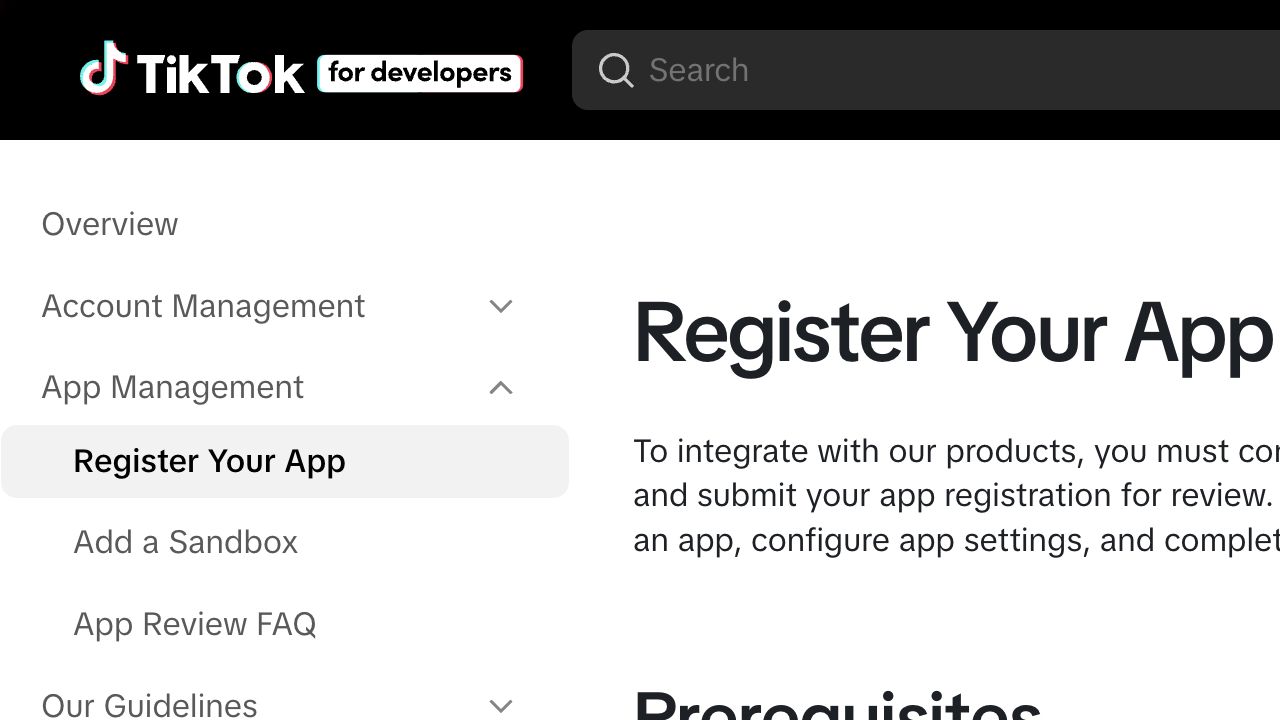
TikTok’s current Register Your App guide recommends organization ownership for real integrations, distinguishes Production from Sandbox, and places app details, products and scopes in one review configuration.
- 1Create or join the organization that represents the app owner, then connect the app.
- 2Complete the app identity, icon, description and intended Web, Desktop, Android or iOS platform fields.
- 3Add Content Posting API and configure Direct Post or Upload according to the actual UX.
- 4Request
video.publishorvideo.uploadand implement TikTok user authorization for that scope. - 5Verify required domains or URL prefixes, especially content URLs used with
PULL_FROM_URL.
URL verification is part of the product, not paperwork
TikTok requires verification for Content Posting API upload URLs. The current app guide also describes verification for configured website, privacy and terms URLs in applicable newer apps. Keep the signature file or domain verification reachable during review.
Submission evidence
Show the complete creator journey in the demo video
TikTok currently requires at least one demo video for an app-review submission and allows up to five videos, each up to 50 MB. The written explanation should describe how every product and scope works; the recording should prove it.
Content Posting review recording
Avoid invisible automation
TikTok’s content-sharing guidelines emphasize creator control and explicit consent. A background scheduler that sends media without a clear user confirmation is not equivalent to a compliant share experience. Also review watermark and promotional-overlay restrictions before using generated assets.
Production behavior
Why Direct Post content is private before an audit
The Direct Post reference says content posted by unaudited clients is restricted to private viewing mode. After the integration is successfully tested, the API client must undergo an audit to lift the visibility restriction.
This is a common source of confusion: a successful /v2/post/publish/video/init/ response proves the request was accepted; it does not prove the client has passed the audit for public posting. Your UI must also use the creator information endpoint and display currently permitted privacy options instead of hard-coding a value.
TikTok’s App Review FAQ says review may take several days to two weeks after submission. This is guidance, not a guaranteed service level, and a revision can restart part of the process.
Implementation & review support
TikTok Content Posting API approval support
I help teams choose the appropriate posting mode, check scopes and verified URLs, test OAuth and publish-status handling, align the UI with creator-consent requirements, prepare the reviewer script and respond to review feedback. The app owner controls all submitted statements and makes the final submission.
TikTok API service
Turn the integration into a reviewable product flow
Send your app type, requested scope, current status, target platform and any reviewer comments. I can audit the gap between a working API call and a production-ready review package.
Approval is decided by TikTok. No third party can guarantee a review outcome or bypass TikTok’s policies and audit requirements.
Frequently asked questions
FAQ
What is the difference between video.publish and video.upload?
video.publish supports Direct Post from your product. video.upload supports uploading a draft that the creator finishes in TikTok. Request the scope that matches the real user journey.
Why are posts created through my API client private?
TikTok states that Direct Post content from unaudited clients is restricted to private viewing. The client must pass an audit to lift that restriction.
Do I need to verify my content URL?
TikTok requires ownership verification for Content Posting API upload URLs used with URL-based transfer. Check the app page for every property currently requiring verification.
How long does TikTok app review take?
TikTok’s current FAQ says several days to two weeks, but provides no guarantee. Rejections, revisions or missing evidence can extend the timeline.
Last checked August 20, 2026. Platform interfaces, policies, coverage and pricing can change. Follow the linked official sources before submitting an application or purchasing data.