App Review field guide
Meta App Review & Permission Approval: A Practical 2026 Guide
A submission-focused guide for teams requesting advanced access to Meta permissions and features—what reviewers need to test, what the screen recording must prove, and why otherwise good apps get rejected.
The short answer
Meta approves a testable use case, not a list of permission names
A strong App Review submission creates a one-to-one chain: a real user-facing feature needs a specific permission; the app requests it in a visible authorization flow; a successful API call uses it; the resulting data or action appears in the product; and the screen recording plus reviewer instructions reproduce that journey.
If a reviewer cannot enter the app, trigger the feature, see why the permission is necessary and verify the result, the written business explanation alone is unlikely to rescue the submission.
Use the current official checklist
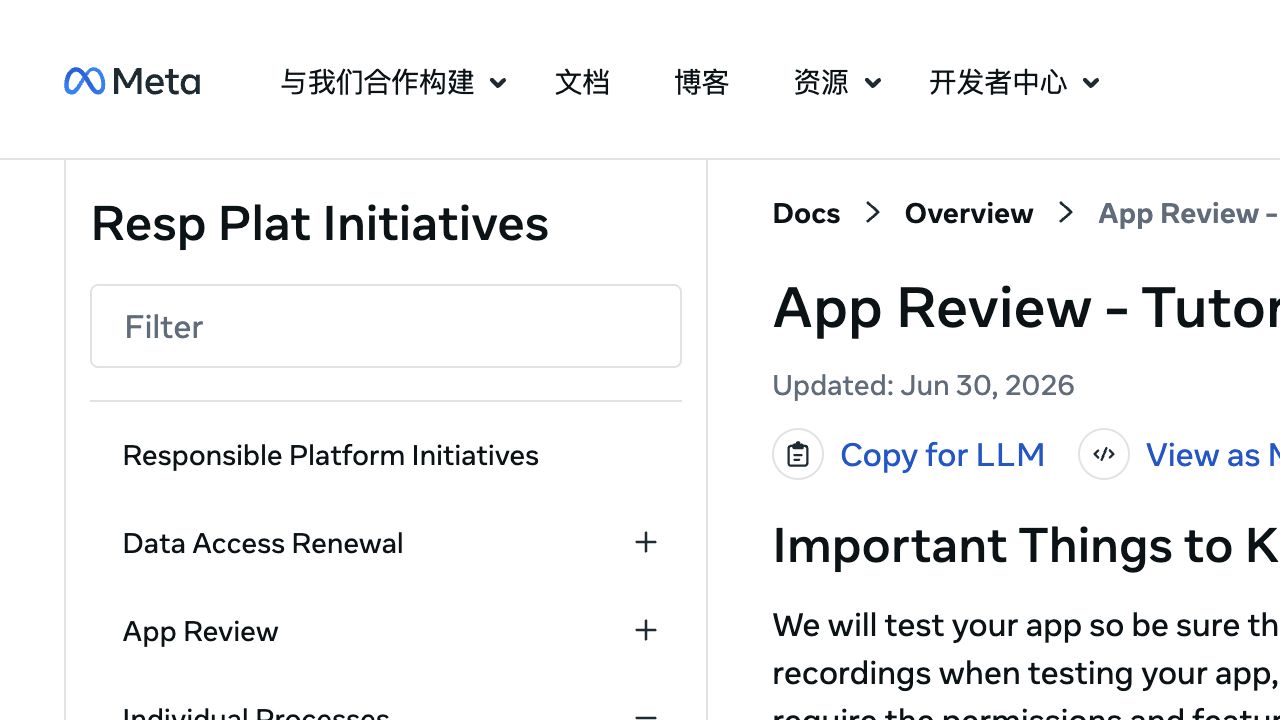
Meta updated its App Review tutorial on June 30, 2026. Product names, access levels and verification requirements can change, so check the reference page for every permission before recording.
Pre-flight
Complete the test environment before you open the submission form
Meta’s current tutorial asks developers to finish the app, make it accessible to reviewers, provide a compliant 1024×1024 app icon and make at least one successful API call with each permission requested for advanced access. Those calls must be made within 30 days of submitting, using the app or Graph API Explorer.
The exact flow in the recording must still work when the reviewer follows it.
Supply a reachable URL, role assignment or test credentials and concise login steps.
Keep privacy policy, terms and user-data deletion instructions live and consistent.
Use every requested advanced permission in at least one successful call before submission.
Business verification or access verification may be required for your product, app ownership or access model. Treat verification and permission review as connected workstreams: mismatched legal names, domains or business assets can stall an otherwise clear technical submission.
Scope discipline
Create one evidence row for every permission or feature
Before writing prose, make a permission matrix. Remove anything that is “for later.” Meta explicitly tells developers to read the Allowed Usage section for each requested permission; if the app does not match an allowed use, better screenshots will not fix the mismatch.
| Evidence | What to write down | What the reviewer should see |
|---|---|---|
| Permission | Exact permission or feature name | The corresponding permission in the login / authorization flow |
| User value | One sentence in plain language | The product feature that delivers that value |
| API use | Endpoint, method and relevant fields | A successful action and its UI result—not a code editor tour |
| Data handling | Stored fields, retention and deletion path | Controls or documentation that match the stated practice |
| Test path | Numbered clicks from login to result | A reviewer can reproduce the same path without guessing |
Keep the explanation permission-specific
“We use Meta data for analytics” is too broad. A stronger explanation names the actor, the action and the visible outcome: “A Page administrator connects a Page, chooses a date range, and views engagement totals for posts from that Page in the reporting screen.” Only state what the current build actually does.
Reviewer proof
Record the full permission-dependent journey
Meta’s tutorial states that any requested permission or feature missing a screen recording will not be approved. Use an English UI where possible, keep text readable, and record separate concise evidence for each permission or a clearly segmented recording.
- 1Begin at a clean sign-in state and show how the reviewer enters the test environment.
- 2Trigger Meta login or the relevant onboarding flow and show the permission request.
- 3Use the feature that depends on the permission with realistic test data.
- 4Show the successful result inside your app and, where useful, the corresponding asset in Meta.
- 5End with data-disconnect or deletion controls if they are part of the tested workflow.
Ask a teammate who did not build the integration to follow the written steps while watching the recording. Every pause, missing credential and unexplained button is a likely reviewer failure point.
Failure analysis
Common reasons a Meta permission request is rejected
The reviewer cannot access the app or requested feature
Check public reachability, role assignments, two-factor prompts, test credentials and every redirect. Do not assume the reviewer shares your company network or account state.
The video describes the feature but never uses the permission
Show the authorization step, the permission-dependent action and the product result in one reproducible sequence.
The requested permission is broader than the live use case
Remove speculative permissions and confirm that the stated use matches the permission reference’s allowed usage.
Privacy, deletion or domain information is inconsistent
Align company name, app identity, domains, policy pages, data handling answers and the actual product behavior.
The reviewer cannot tell which evidence belongs to which permission
Label recordings and instructions with the exact permission name and give each one a short numbered path.
Hands-on review preparation
Meta App Review and permission application support
I help teams audit the current app configuration, map permissions to allowed usage, test the end-to-end flow, prepare reviewer instructions, plan the screencast and respond to review feedback. The app owner remains responsible for truthful submissions, policy compliance, credentials and the final submission.
Meta permissions service
Bring the rejection note—or prepare before the first submission
Share the requested permissions, product type, current app state and reviewer feedback. I will identify the evidence gap and propose a concrete preparation checklist.
No consultant can guarantee approval. Meta makes the final decision and may change product, verification and review requirements.
Frequently asked questions
FAQ
How long does Meta App Review take?
Timing varies by product, submission quality, verification state and reviewer feedback. Plan for testing and possible resubmission rather than promising a fixed approval date.
Does every permission need its own screen recording?
Meta’s 2026 tutorial says any requested permission or feature missing a screen recording will not be approved. A combined recording can work only if each permission-dependent flow is clearly demonstrated.
Can I request permissions for a feature we will build later?
Request permissions the current review build needs and can demonstrate. Speculative permissions are difficult to justify and test.
Can you guarantee Meta permission approval?
No. A preparation service can improve evidence, reproducibility and policy alignment, but Meta alone decides approval.
Last checked August 20, 2026. Platform interfaces, policies, coverage and pricing can change. Follow the linked official sources before submitting an application or purchasing data.